S/01 Overview
Skills that survive Monday morning.
I design and deliver training programs to enhance user proficiency in IT tools and platforms — from Microsoft 365 for administrators to networking fundamentals for support staff — built around your systems, not generic slides.
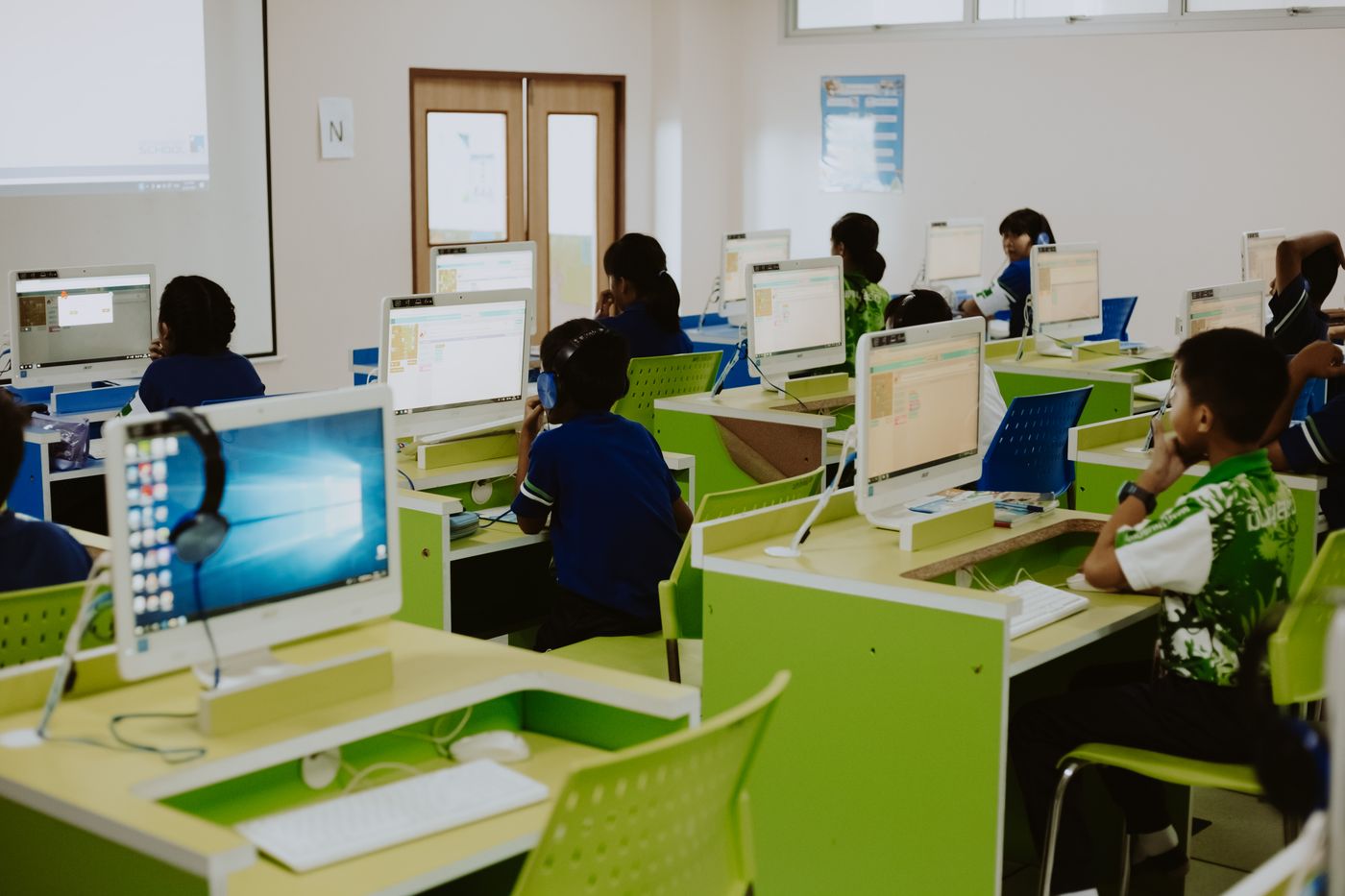
Having trained 280+ personnel, I know the difference between a session people enjoy and a session people use: real exercises on real systems, reference materials to keep, and follow-up that closes the gaps.
S/02 What’s included
Programs built for your stack.
- Skills-gap assessment and tailored curriculum design
- Microsoft 365 administration and end-user enablement
- Networking fundamentals for support and operations staff
- Cybersecurity awareness for non-technical teams
- Hands-on labs and exercises on your own systems
- Printed and digital reference guides to keep
- Pre- and post-training assessments that prove progress
- Follow-up clinics to resolve real issues after training
S/03 Process
Assess, teach, reinforce.
01
Assess
Baseline skills and the tasks people struggle with most.
02
Tailor
Curriculum built around your systems and your scenarios.
03
Deliver
Live workshops with hands-on practice, not lectures.
04
Reinforce
Guides, assessments and follow-up clinics that lock it in.
S/04 Questions
Common questions.
Hands-on sessions work best with 10–25 people per cohort. Larger organisations run multiple cohorts — 280+ personnel trained this way.
Both. In person suits labs and hardware topics; live virtual sessions suit software and administration topics. Many programmes blend the two.
/ Get Started
Upskill your team.
Describe the tools and the gaps — and get a training
plan with measurable outcomes.